MyOsicam features
Fleet management at the core — and every capability you need to run, monitor, and maintain your OScam servers from a single panel.
Headline capability Fleet management
-
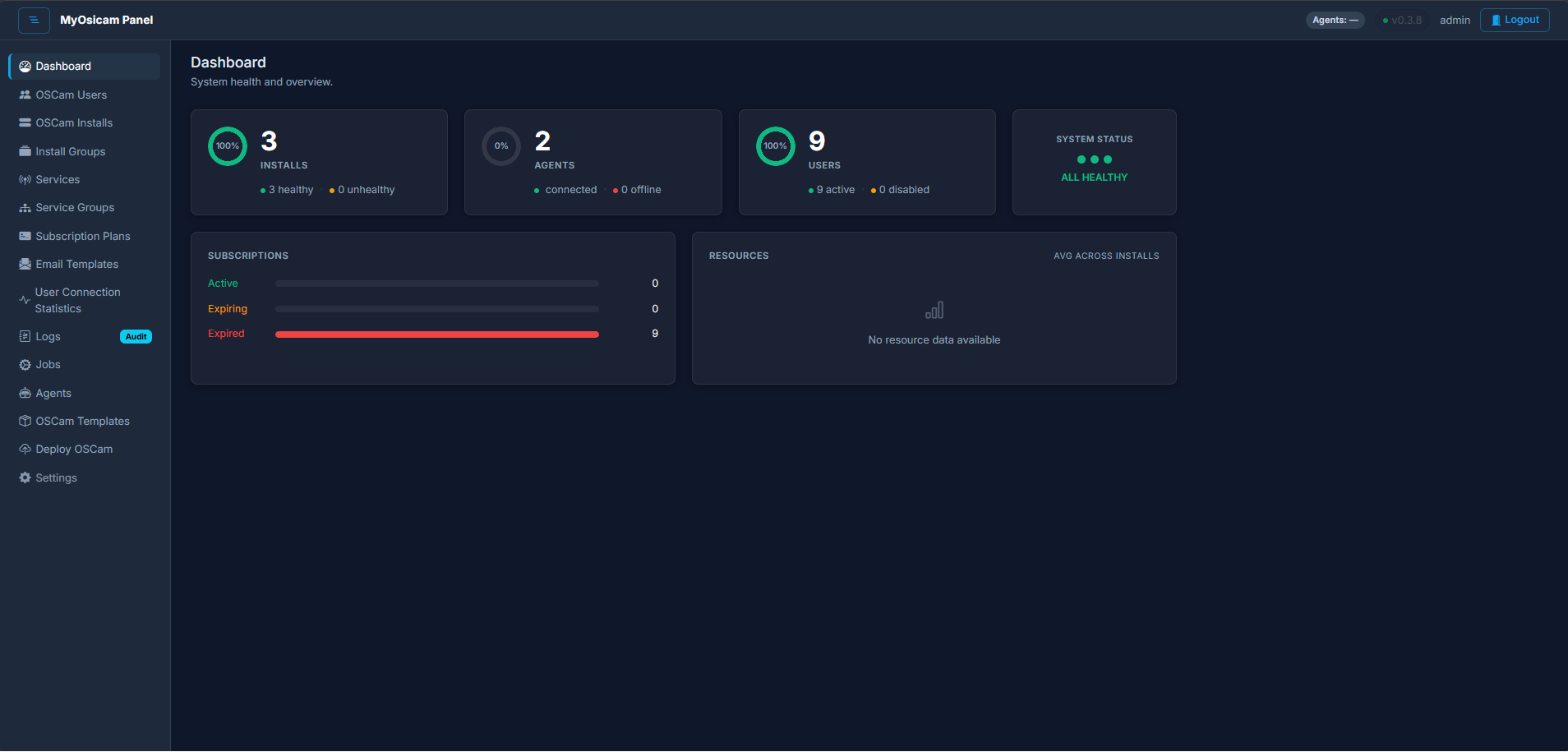
One panel for every OScam server you run
MyOsicam gives you a single control point for every OScam server in your fleet, no matter how many you operate. Each server is represented as a managed install with its own health status, reader count, and runtime state. You can view and act on any server from one place without SSH-ing into individual machines.
Monitoring & visibility
-
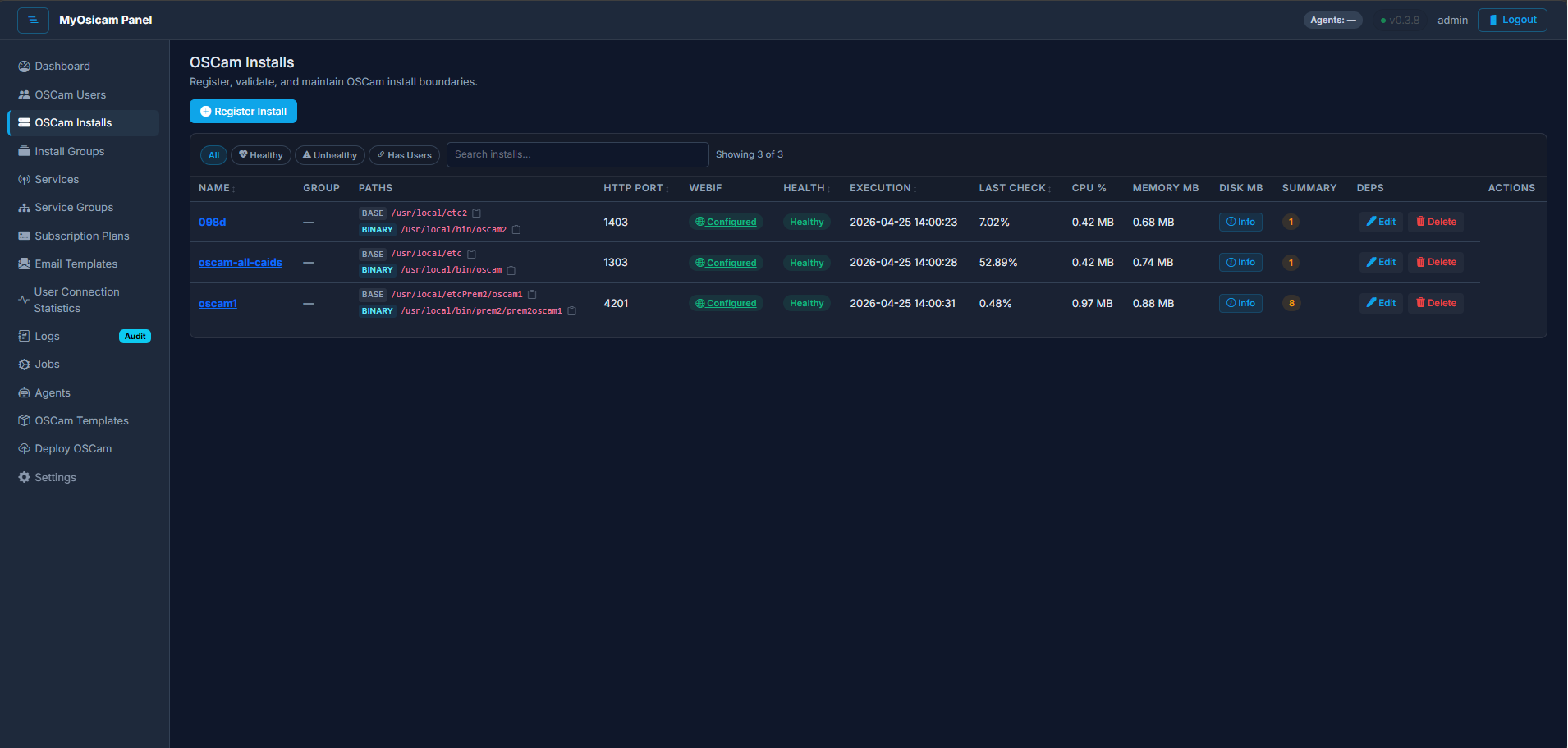
Live CPU, RAM, and load per install
MyOsicam collects real-time resource readings — CPU percentage, memory usage, and system load — directly from each managed server via its local agent. Readings are stored as time-stamped snapshots so you can see whether a server is under stress at a glance. No external monitoring service required.
OScam user & access management
-
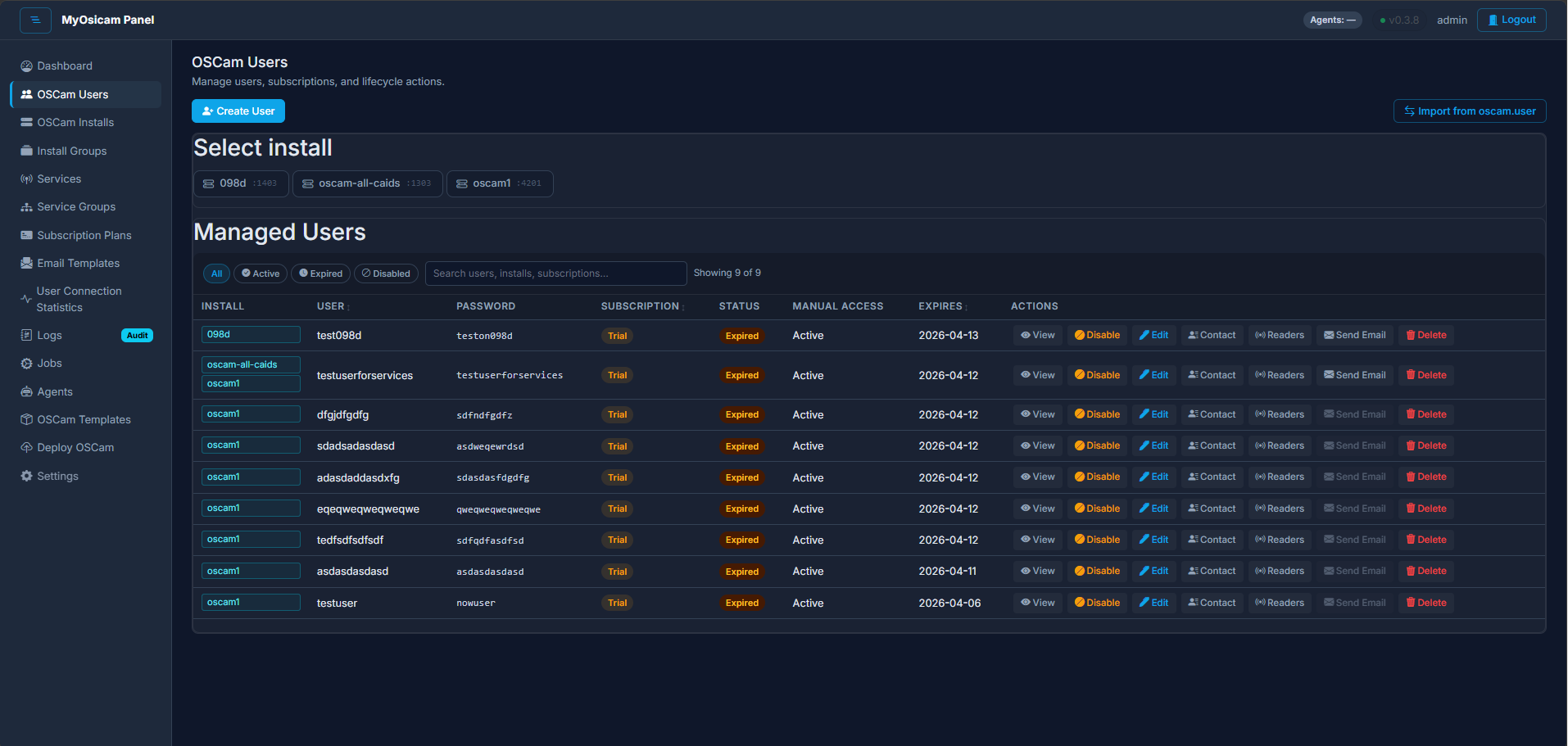
Manage OScam users with safe direct writes
MyOsicam writes user changes directly to the oscam.user file on each server using the local agent — no WebIF parsing, no intermediate format. Changes are applied atomically and OScam is signalled to reload its user list at runtime, so active sessions are unaffected. You can create, edit, and remove users across multiple servers from the panel.
-
Manage WebIF credentials from the panel
Each OScam server exposes a built-in web interface (WebIF) that requires a username and password. MyOsicam lets you store and update those credentials securely from the panel, encrypted at rest. The agent applies updates without requiring you to edit configuration files by hand.
-
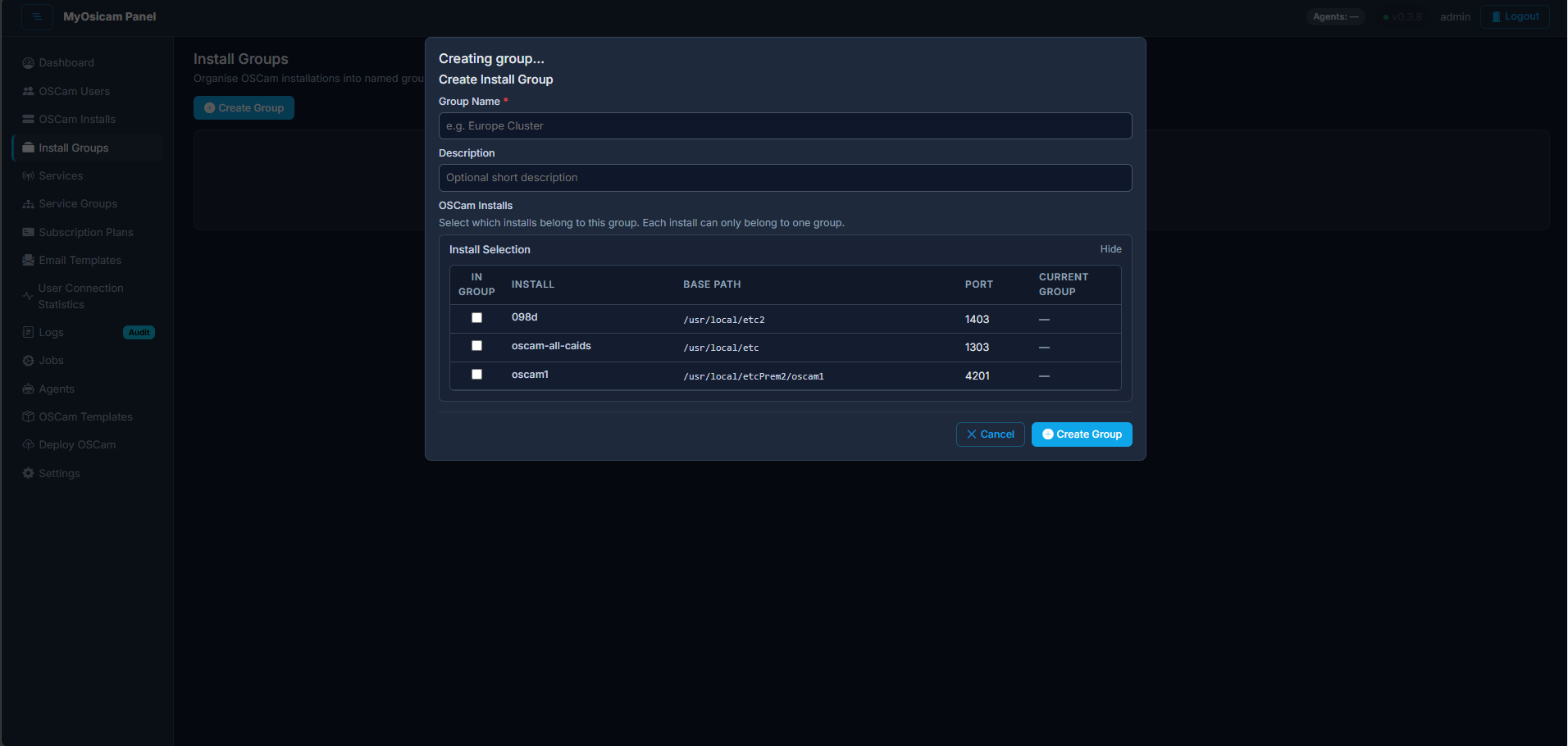
Organise installs into logical groups
When you manage more than a handful of servers it becomes useful to group related installs together. MyOsicam lets you create named groups and assign installs to them so that you can quickly filter views and target operations at a subset of your fleet rather than acting on every server at once.
Deployment & control
-
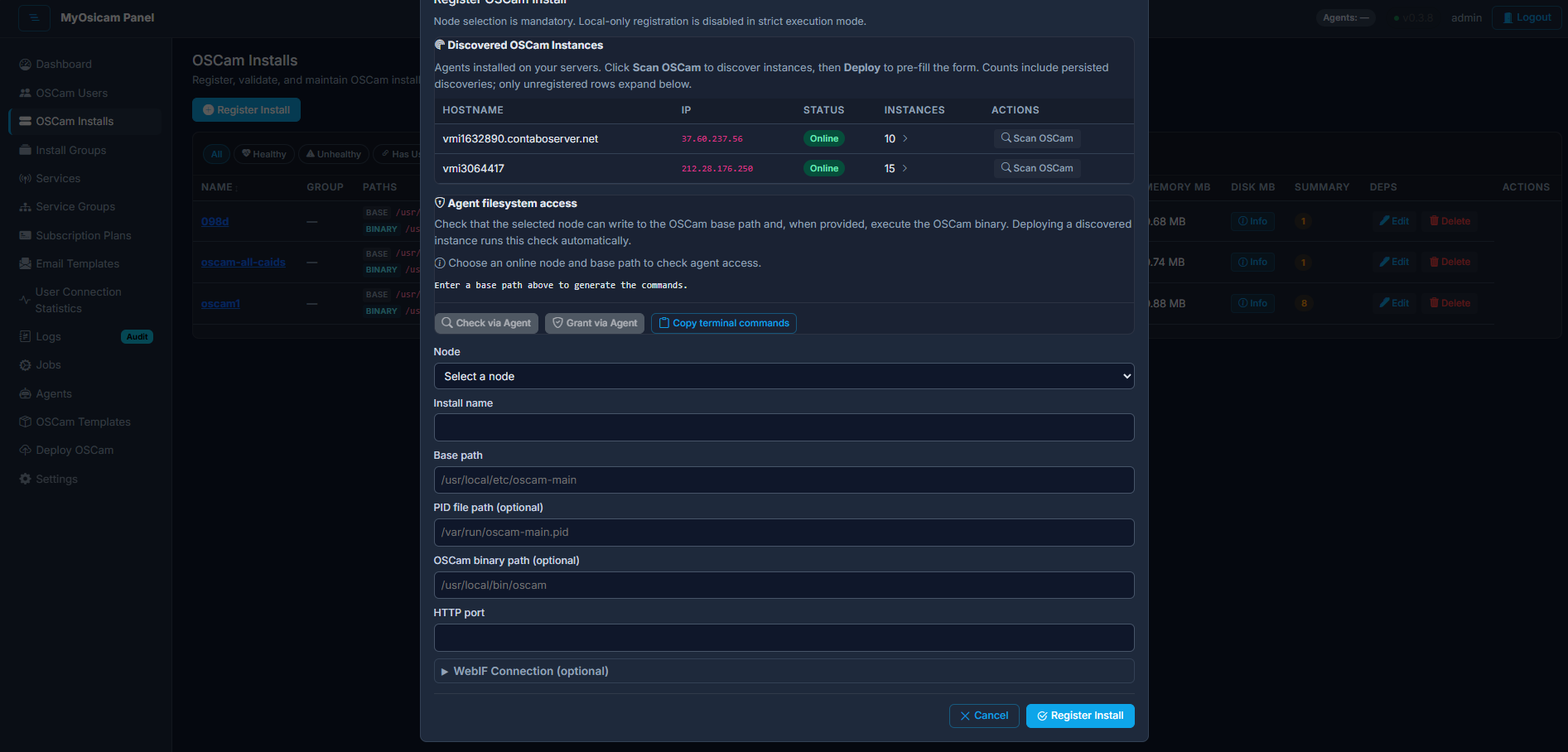
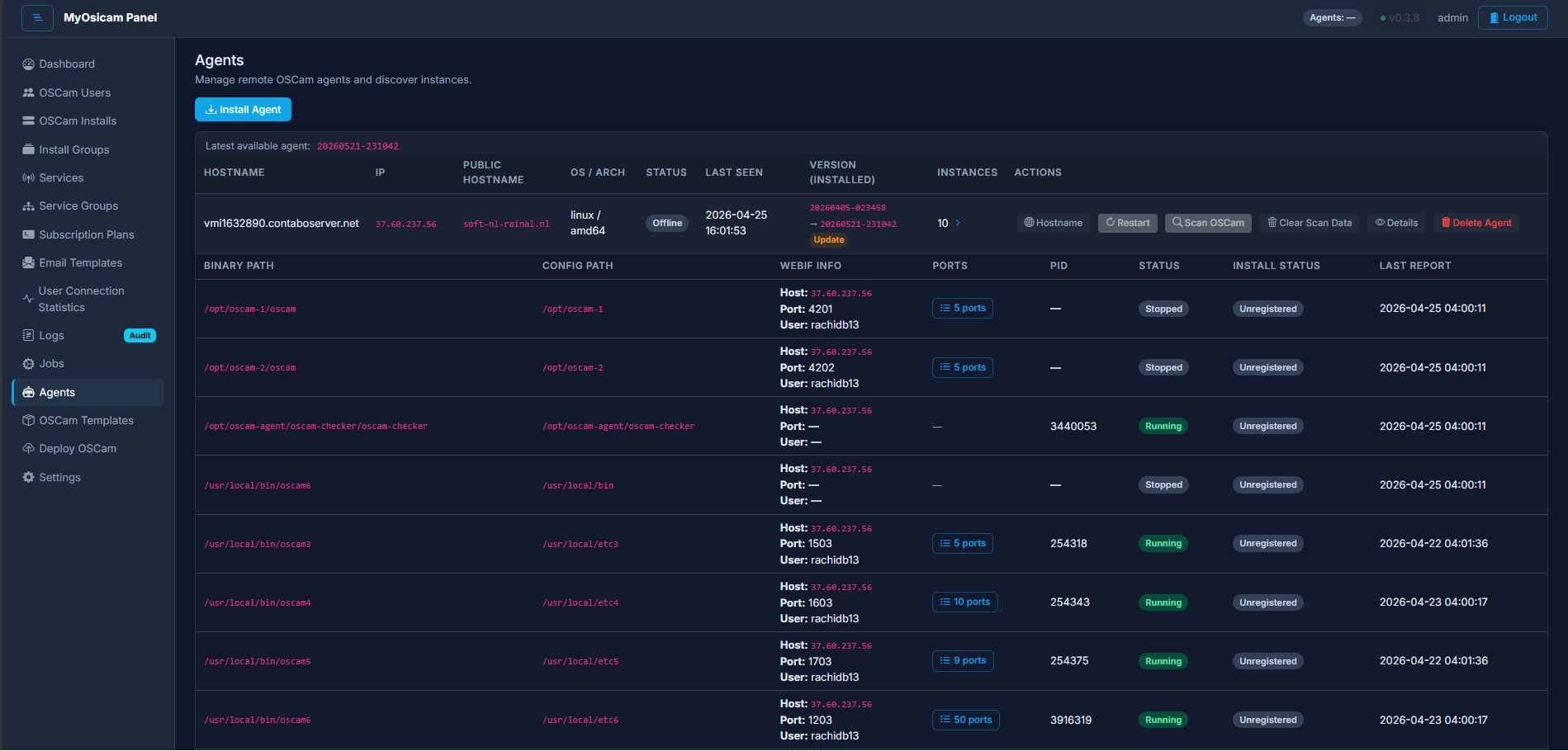
Discover and deploy new OScam instances
Once an agent is running on a server, MyOsicam can scan the host to discover existing OScam processes and adopt their configuration automatically. You can also deploy new OScam instances from the panel using the agent as the install bridge, without needing direct SSH access to the target machine.
-
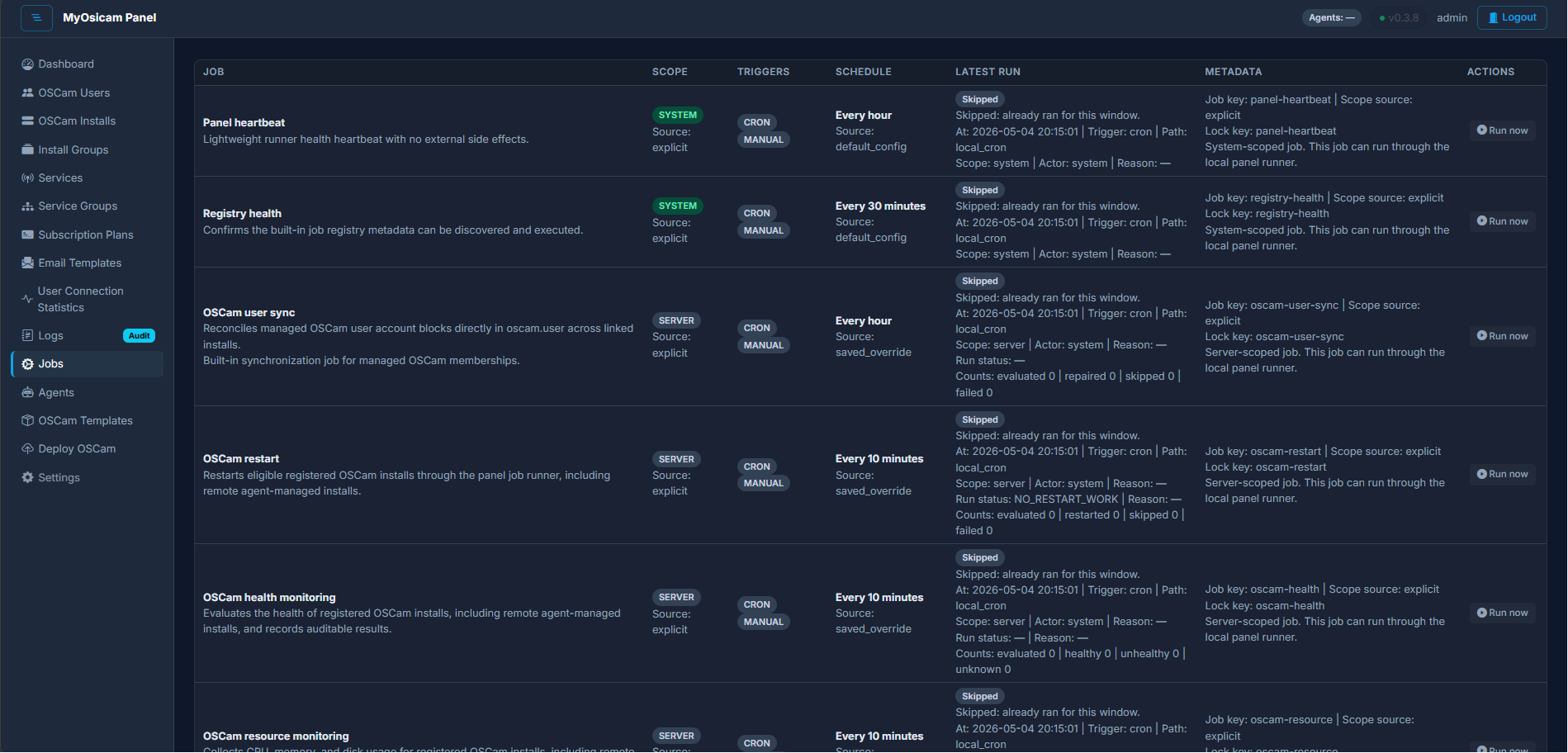
Start, stop, restart, and reload OScam remotely
MyOsicam lets you issue start, stop, restart, and graceful-reload commands to any managed OScam instance from the panel. Commands are queued and executed by the local agent, so you retain control even when the OScam WebIF is unreachable. The outcome of each command is reported back to the panel.
Operations & maintenance
-
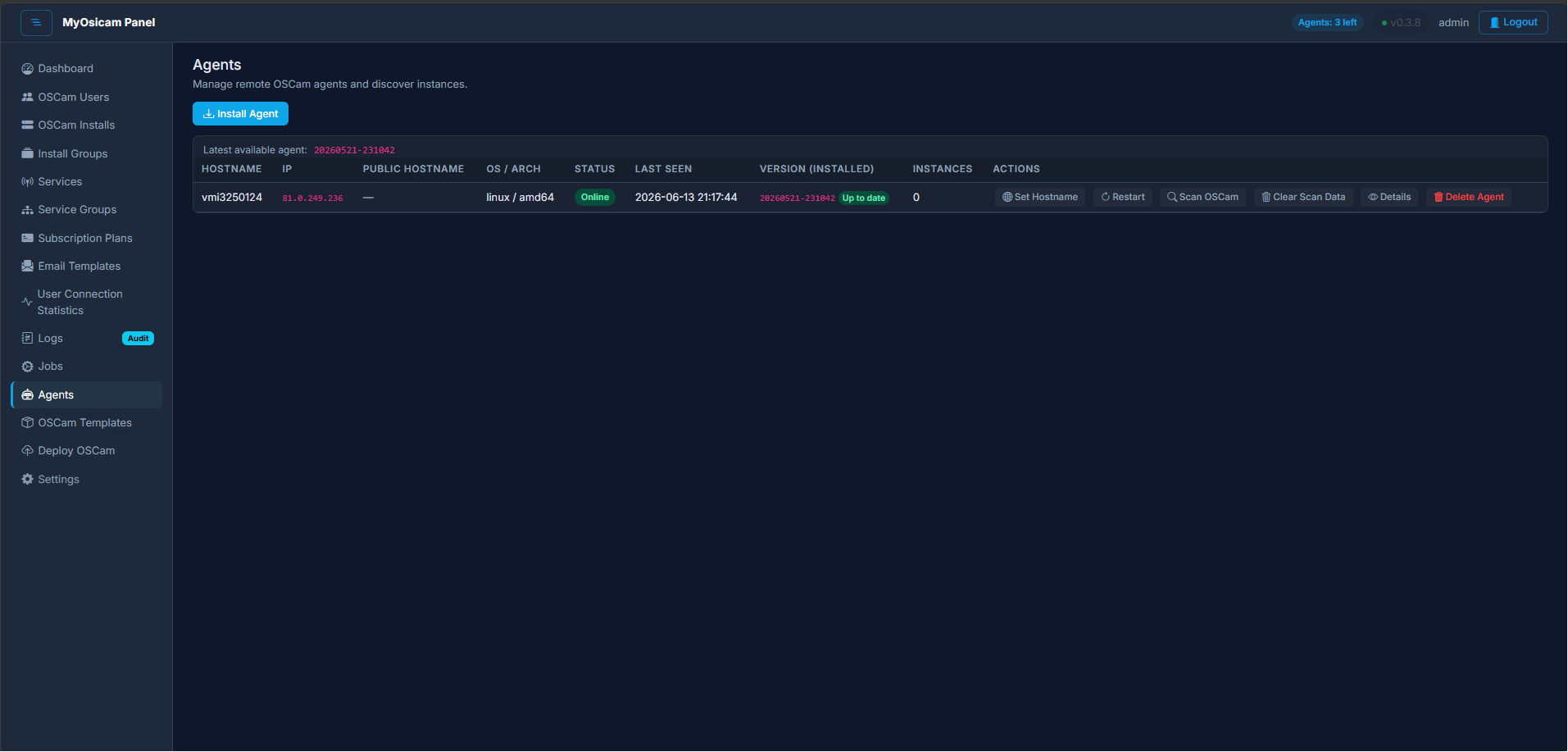
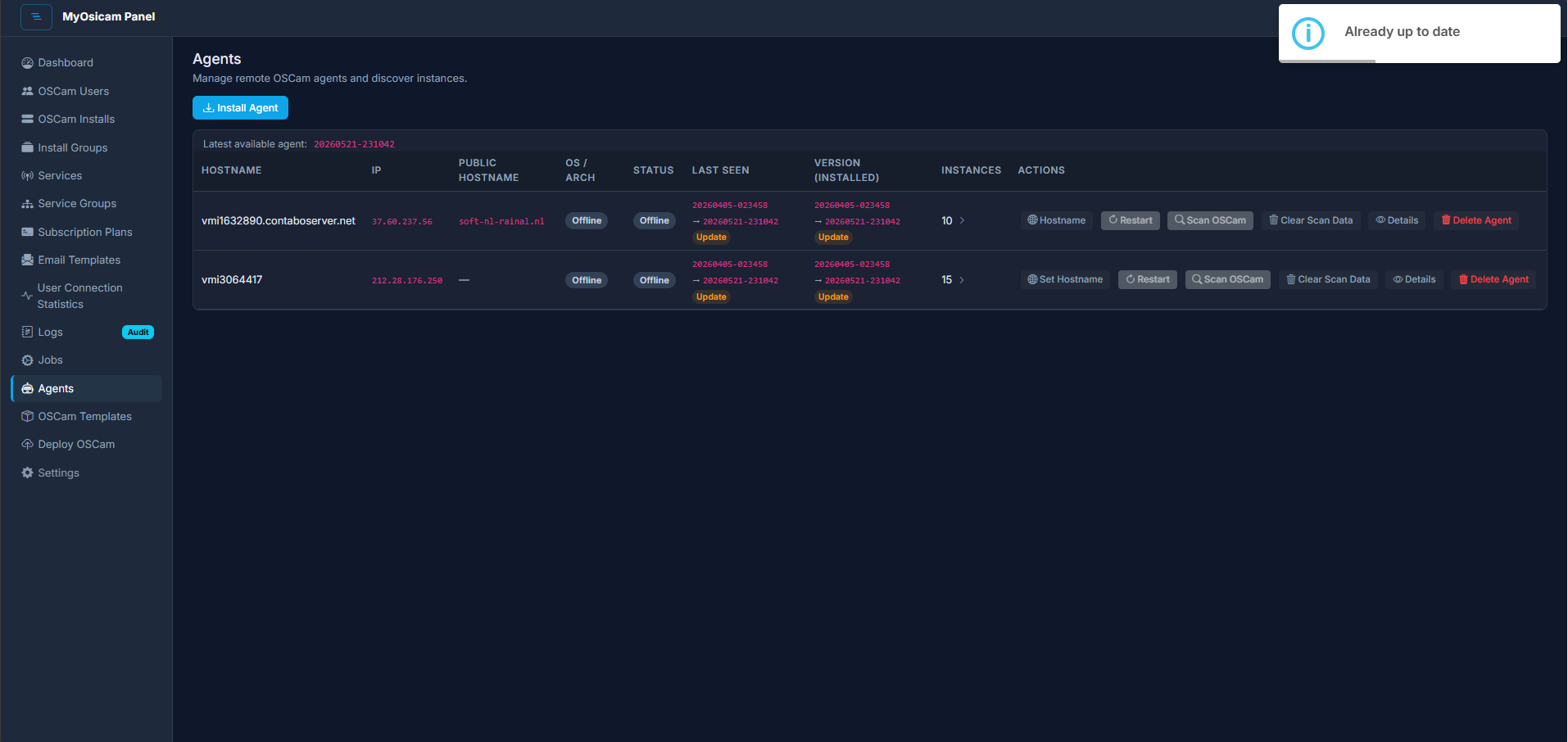
Monitor and manage the agent on each server
The MyOsicam agent runs as a lightweight background service on each server. The panel tracks agent heartbeats and flags servers that have gone silent, so you know immediately when an agent has stopped reporting. You can also issue lifecycle commands to the agent itself when remediation is needed.
-
Keep the panel up to date with one action
MyOsicam can check for new panel releases and apply updates from within the panel itself. The update process downloads a signed release archive, verifies its integrity, and swaps the panel files in place. An audit log records every check and apply attempt so you always know the history of what was deployed.
-
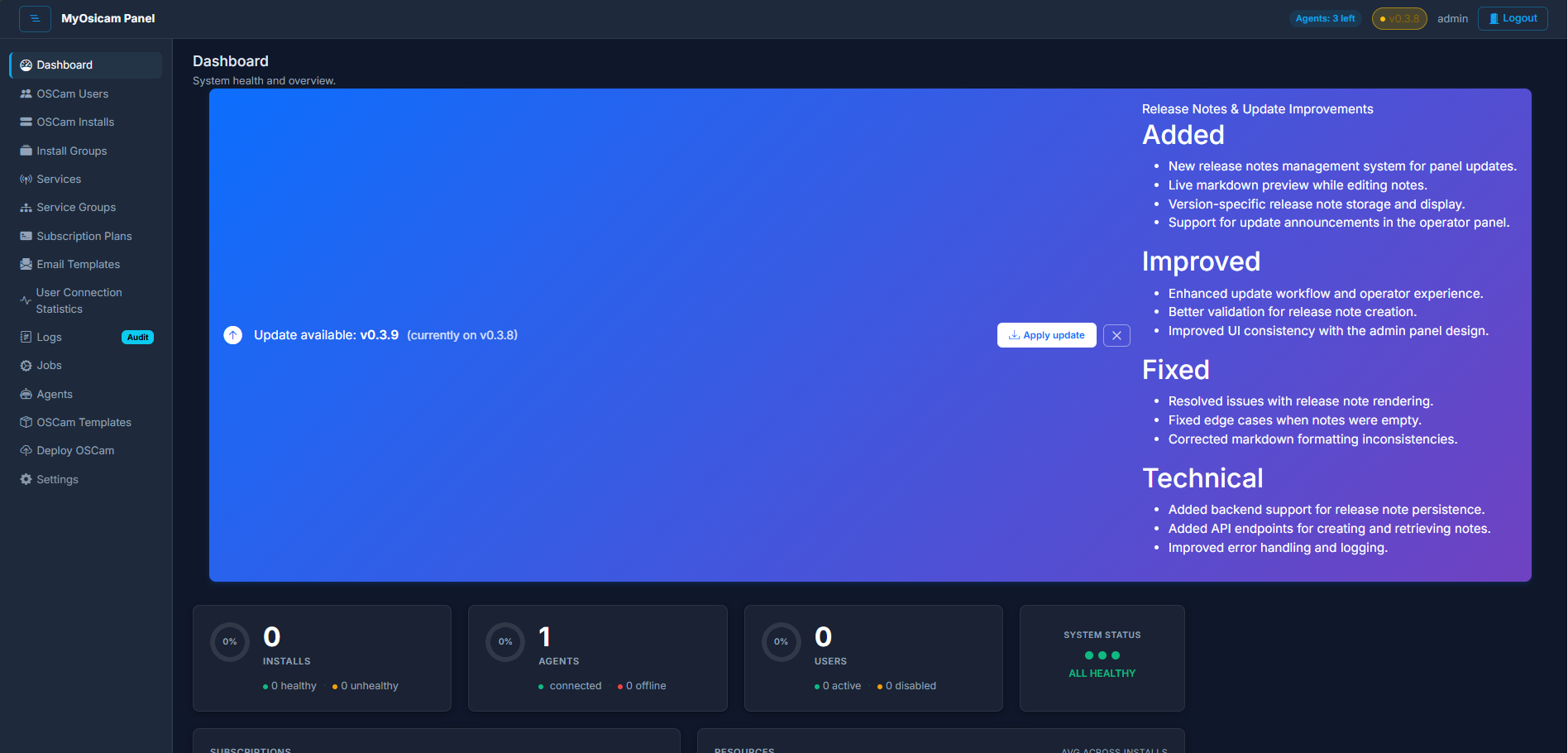
In-panel release notes banner
When a new version of MyOsicam is available, a banner appears inside the panel summarising what changed. The release notes are written by the operator who publishes the release, stored alongside the release package, and displayed in-context so you know what you are getting before you apply an update.
Want to understand how the agent, the panel, and your servers fit together? See how it all works